
How to use the Bible reading plan in the church app
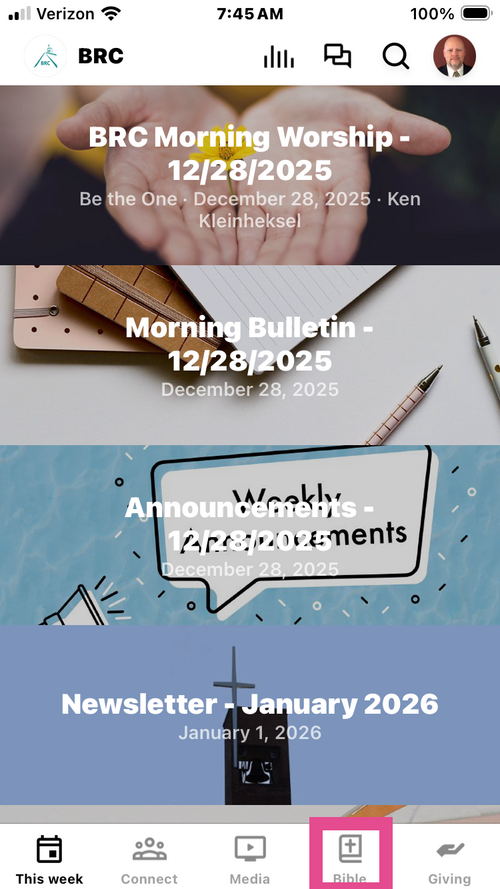
1. Open the BRC church app and select the Bible button at the bottom of the screen
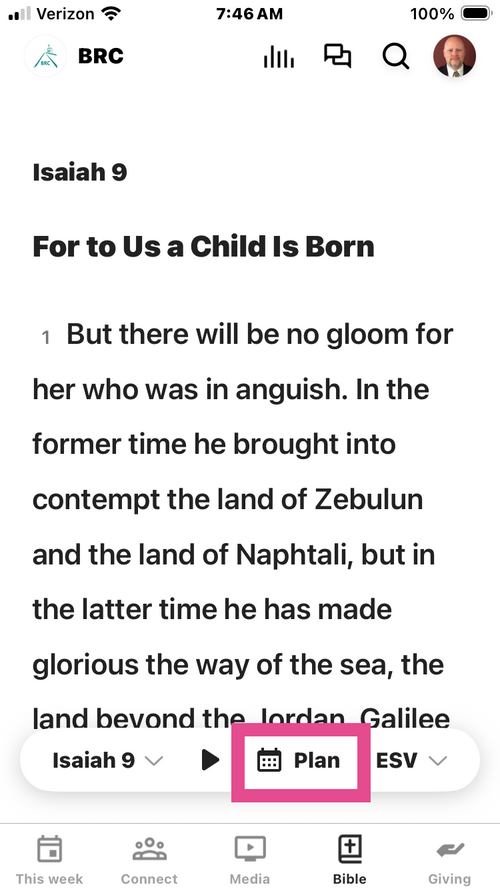
2. Press the Plan button on the bar at the bottom of the screen.
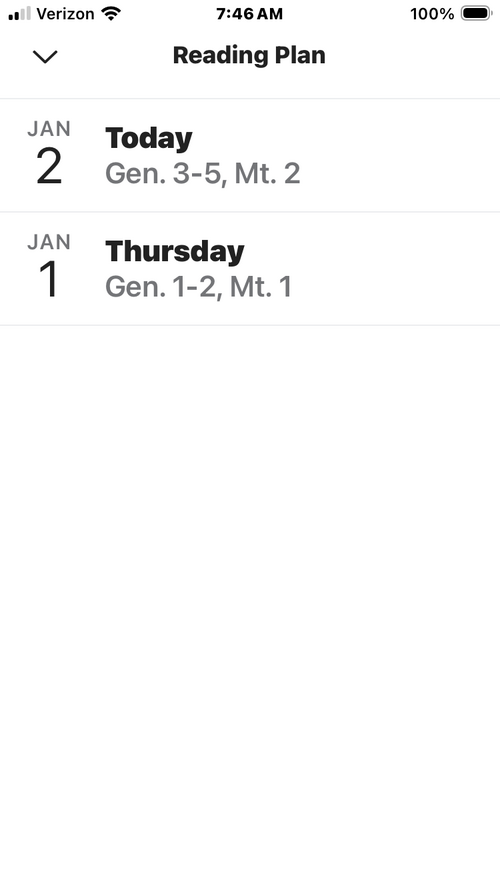
3. Select the entry for the current date. If you miss one feel free to select it and catch back up. If you follow this plan you will read through the entire Bible in one year reading from the Old and New testaments each day.
4. To have the app read the scripture to you, press the play button.